Tilt stickies and make your canvas attractive!
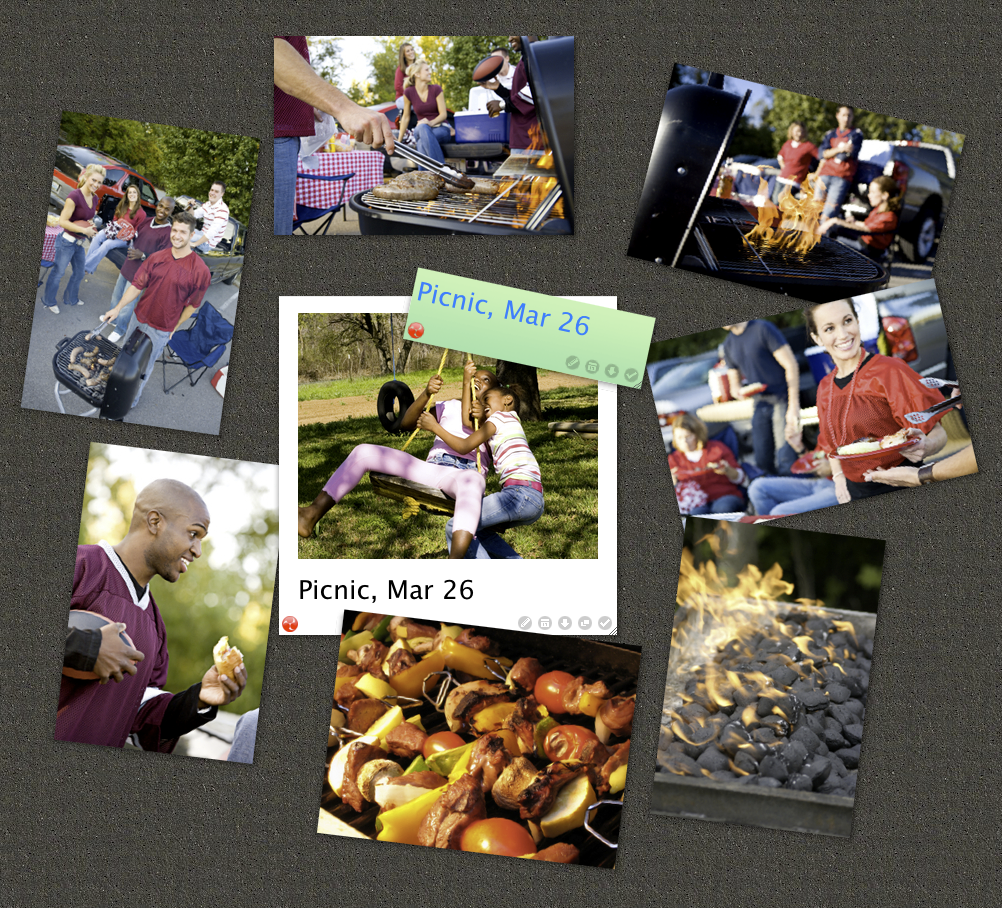
We’re excited to announce that now you can tilt stickies on your canvas!
When you hover your mouse cursor at the top right corner of a sticky, you’ll find a rotation mark appears. Drag it to tilt the sticky. Note that the pin has moved to the top middle area of a sticky.
With iPhone/iPad app, you can tilt a sticky by long-pressing the sticky follwed by the two-finger rotating gesture.
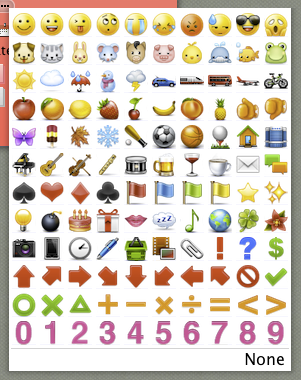
In addition, we added a lot of icons based on your ideas! Please take a look at them, and you’ll find your favorites.
Further more, you can now insert a link into a sticky. It means, you can make any text into a link as well as just writing a URL.
You need to write a link in Markdown style. For instance, if you want to make a text “lino” a link to http://linoit.com/, write
[lino](http://linoit.com/)
Take advantage of these features to create your canvas. Enjoy!
This is great, but…when I tilt my sticky, the text becomes funny and hard to read…
Comment by Renaud March 21, 2012 10:33 pm
What the heck is Markdown style, and how can I find out more about it? Also, PLEASE develop more options that we can use within a sticky, including better font formatting.
BTW, the rotation is cool 🙂
Comment by moonkat1216 August 26, 2012 12:18 pm
Can i change for a part of my text in a stickynote the font size or make it bold ?
Comment by Yaron Kauffmann December 5, 2016 2:05 am