We scheduled lino system maintenance at the following date. All systems are unable to use during the maintenance.
Scheduled maintenance time
Jun 3 2012 (Sun) 04:00 – 08:00 (PDT)
Jun 3 2012 (Sun) 11:00 – 15:00 (UTC)
We apologize for the inconvenience.
May 30, 2012 6:11 pm
by lino
7 Comments »

We’re pleased to announce that we’ve just released lino for Android beta!
You can now use lino from Android-based smartphones and tablets as well as PCs, iPhone and iPad. With the Android App, you can zoom in and out a sticky and a canvas by the pinch gesture and double-taps. Now you can use lino in various situations, for example, posting your ideas from your smartphone outdoors, organizing your ideas with your PC at home and sharing your photos with your friends.
You can download lino for Android beta from Google Play today.

Download lino from Google Play
May 7, 2012 5:33 am
by lino
19 Comments »
We found a problem in our iPhone/iPad app version 1.3.0 and earlier that a part of text will be truncated when you create or edit a sticky from iPhone/iPad app. In particular, when your text contains “&” in it, text following it will be truncated.
The new version that fixes this problem is already available on the App Store. Please update your App to this version or later.
We’ve submitted a new version to the App Store, but it may take a week or few to pass Apple’s review before the new version is available.
Please do not edit a sticky containing “&” until the new version is available.
Sorry for the inconvenience.
[Edit on Apr 3 2012]
We found that the problem is caused not only by a formatted link but also any URL links containing “&”.
[Edit on Apr 3 2012]
We’ve submitted a new version to the App Store and are waiting for review.
[Edit on Apr 3 2012]
Updated information that all “&”s can cause the problem.
[Edit on Apr 10 2012]
New version 1.3.1 that fixes the problem is now available.
April 2, 2012 6:57 am
by lino
1 Comment »
We scheduled lino system maintenance at the following date. All systems are unable to use during the maintenance.
Scheduled maintenance time
Mar 31 2012 (Sat) 04:00 – 08:00 (PST)
Mar 31 2012 (Sat) 11:00 – 15:00 (UTC)
We apologize for the inconvenience.
March 29, 2012 6:10 pm
by lino
No Comment »

We’re excited to announce that now you can tilt stickies on your canvas!
When you hover your mouse cursor at the top right corner of a sticky, you’ll find a rotation mark appears. Drag it to tilt the sticky. Note that the pin has moved to the top middle area of a sticky.
With iPhone/iPad app, you can tilt a sticky by long-pressing the sticky follwed by the two-finger rotating gesture.
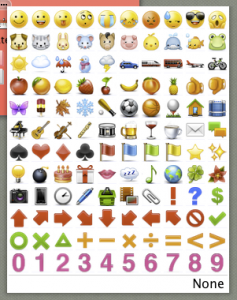
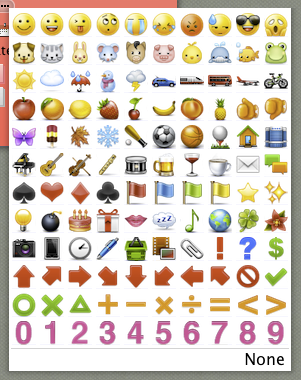
In addition, we added a lot of icons based on your ideas! Please take a look at them, and you’ll find your favorites.
Further more, you can now insert a link into a sticky. It means, you can make any text into a link as well as just writing a URL.
You need to write a link in Markdown style. For instance, if you want to make a text “lino” a link to http://linoit.com/, write
[lino](http://linoit.com/)
Take advantage of these features to create your canvas. Enjoy!
January 19, 2012 10:17 pm
by lino
3 Comments »
We scheduled lino system maintenance at the following date. All systems are unable to use during the maintenance.
Scheduled maintenance time
Jan 15 2012 (Sun) 13:00 – 14:00 (UTC)
Jan 15 2012 (Sun) 06:00 – 07:00 (PST)
We apologize for the inconvenience.
January 11, 2012 5:54 pm
by lino
No Comment »
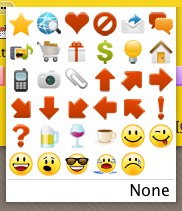
We’re going to add some icons you can use on lino. Please post images or your ideas to Call for icons canvas that you’d like to use.
We’ll add icons from some of the images and ideas you’ve posted.
November 8, 2011 7:43 pm
by lino
3 Comments »
We’ve updated iPhone/iPad App for lino to support iOS 5.
It includes some other features and fixes.
- Supported iOS 5.
- Shows date beside each future and past task.
- Supported navigating between canvas lists and tasks by swiping.
- Retrieves contents from the server more efficiently.
- Fixed tags in multiple lines overlapped.
November 2, 2011 10:16 pm
by lino
2 Comments »
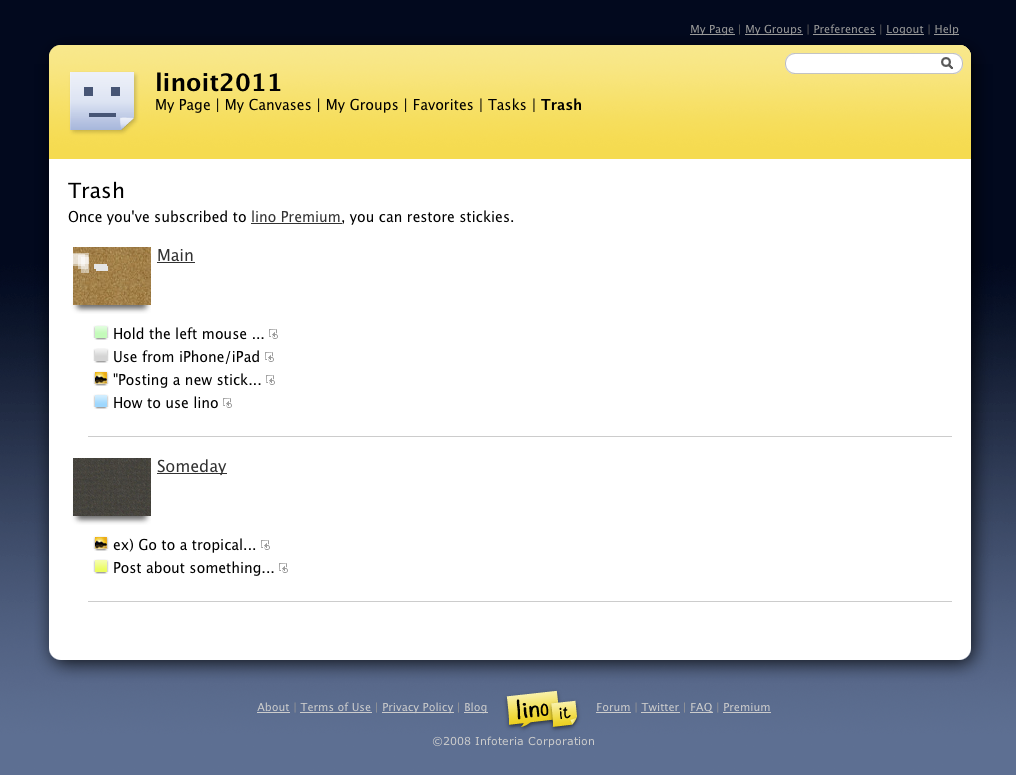
We’re pleased to announce that we’ve updated lino and added some features including listing stickies you’ve peeled off.
List stickies you’ve peeled off
You can see a list of stickies you’ve peeled off in a week.
Once you’ve subscribed to lino Premium, you can restore them to their original canvas.
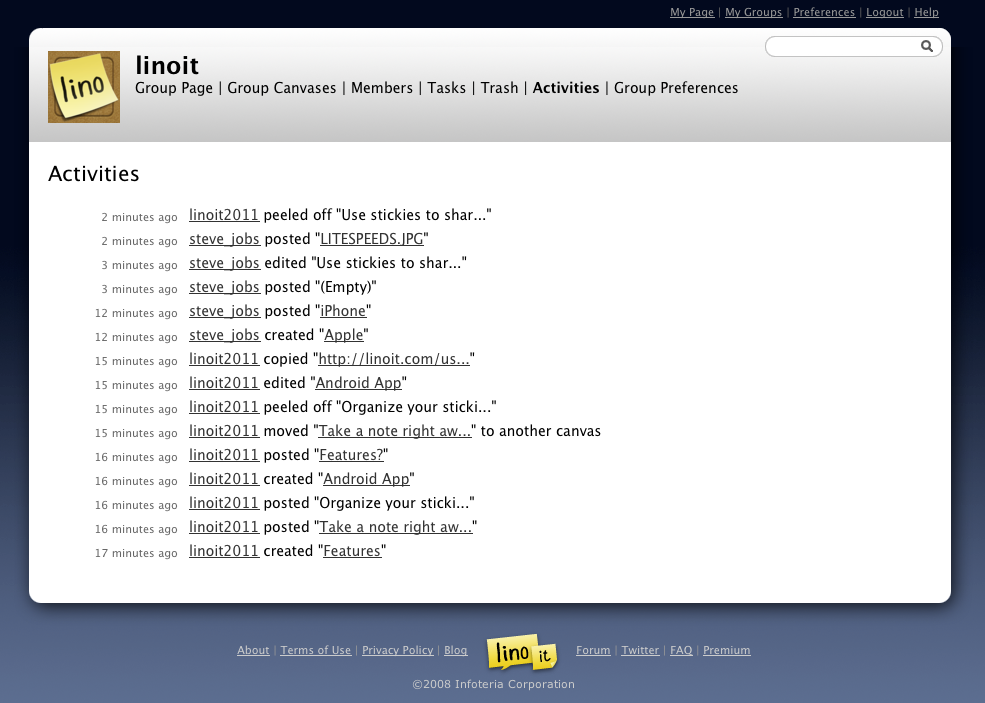
Activities in a group
Group administrators can now see activities in the group, including a group member posted and peeled off a sticky, created a canvas and so on.
You can see the most recent three activities. Once you’ve subscribed to lino Premium, you can see all activities in the group in two weeks.
Other features
- Scroll a canvas with a wheel of a mouse. If you use a trackpad, you can scroll it by touching with two fingers.
- You can activate a private sticky by hovering a mouse cursor on it for a while.
October 15, 2011 5:50 am
by lino
No Comment »
We scheduled lino system maintenance at the following date. All systems are unable to use during the maintenance.
Scheduled maintenance time
Sep 3 2011 (Sat) 13:00 – 14:00 (UTC)
Sep 3 2011 (Sat) 06:00 – 07:00 (PST)
We apologize for the inconvenience.
September 1, 2011 7:55 pm
by lino
2 Comments »